Store Selector
An AI-generated design is only worth something if you can actually buy it. The Store Selector is Leap's last mile — find a real showroom near you, compare hours and services, and book a consultation. Desktop and mobile.
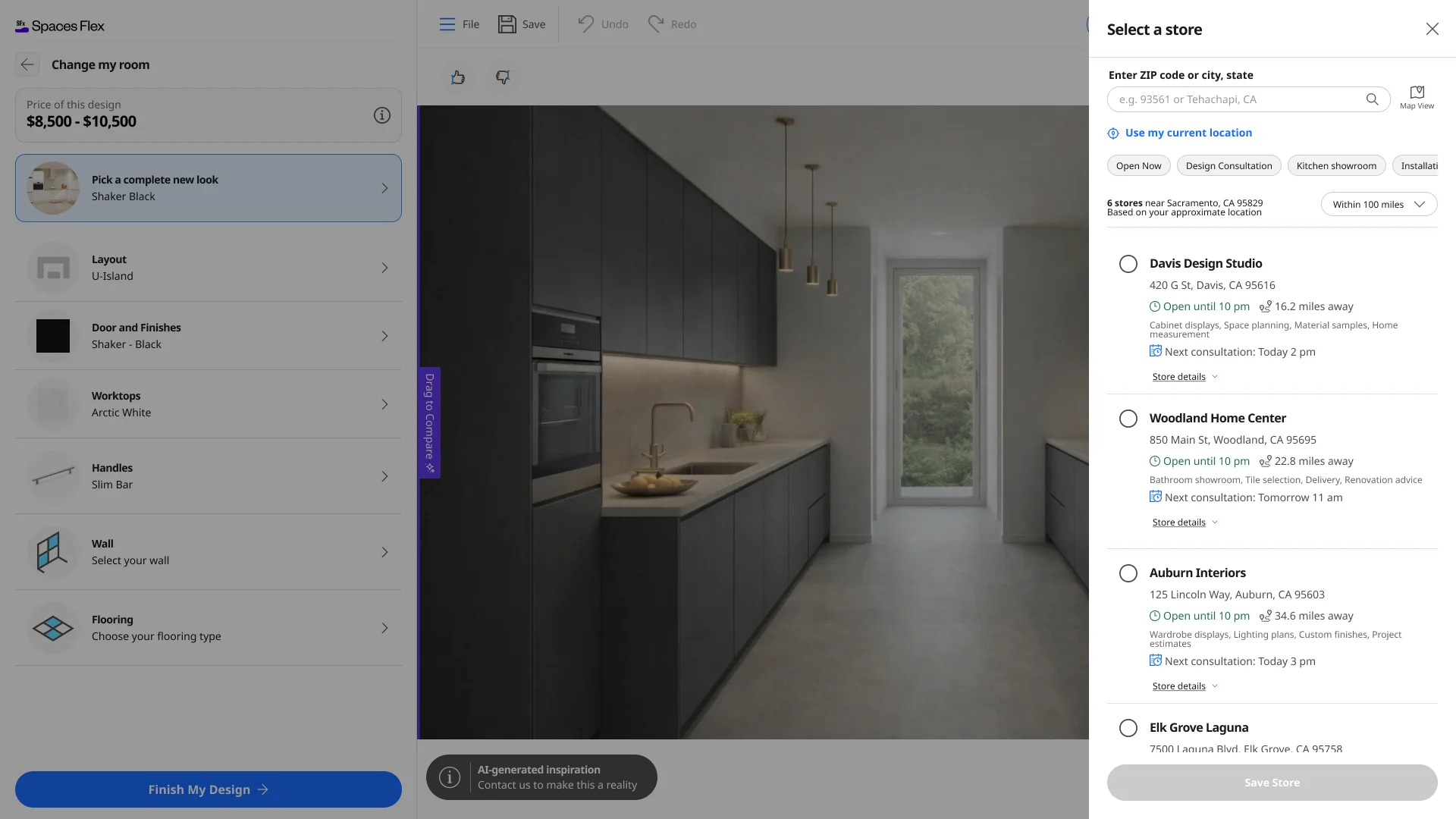
- Product
- Leap · Spaces Flex
- Store locator in AI Showroom
- Platforms
- Desktop & mobile
- Panel & full-screen sheet
- Company
- Cyncly
- Leap — used by 200+ companies
- Status
- Shipped
A beautiful AI design is a dead end if the person can't act on it. Leap needed to bridge the gap between an on-screen design and a real-world purchase — connecting the user to a physical Cyncly partner showroom where the design becomes a quote, a consultation and an installed kitchen. The hard part isn't the list; it's location: browsers handle geolocation inconsistently, people deny or block permission, and a locator that only works with precise GPS fails most of the time. It also had to feel native both as an embedded desktop panel and a mobile sheet.
This is the conversion step of the Leap / AI Showroom journey, built at Cyncly — the global kitchen, bath and interior-design software company trusted by 70,000+ businesses worldwide. Every design is created to be bought; the Store Selector routes that intent to the right physical partner showroom and a booked appointment, making it the feature that connects AI engagement to real revenue and a measurable lead.
Constraints
- Turn an on-screen design into a real in-store consultation — the bridge from pixels to a partner showroom.
- Location must work in every state: precise permission, approximate IP fallback, denied, blocked, and no-results.
- Each store needs enough to decide on — distance, live opening status, services offered, and the next consultation slot.
- People search differently — current location, ZIP, or city — so offer all three with typeahead and a radius.
- Feel native as a right-side panel on desktop and a full-screen sheet on mobile, from one system.
The last mile of the design
Leap's AI tools are brilliant at getting someone to a design they love — grounded in a real catalog, with a real price. But a design on a screen doesn't sell a kitchen. Someone has to walk into a showroom, talk to a designer, and place the order.
The Store Selector is that bridge. From inside the configurator, it finds the nearest Cyncly partner showrooms, shows what each one offers and when, and books a consultation — turning an AI-generated design into a real-world project. Designed end to end, on desktop and mobile.
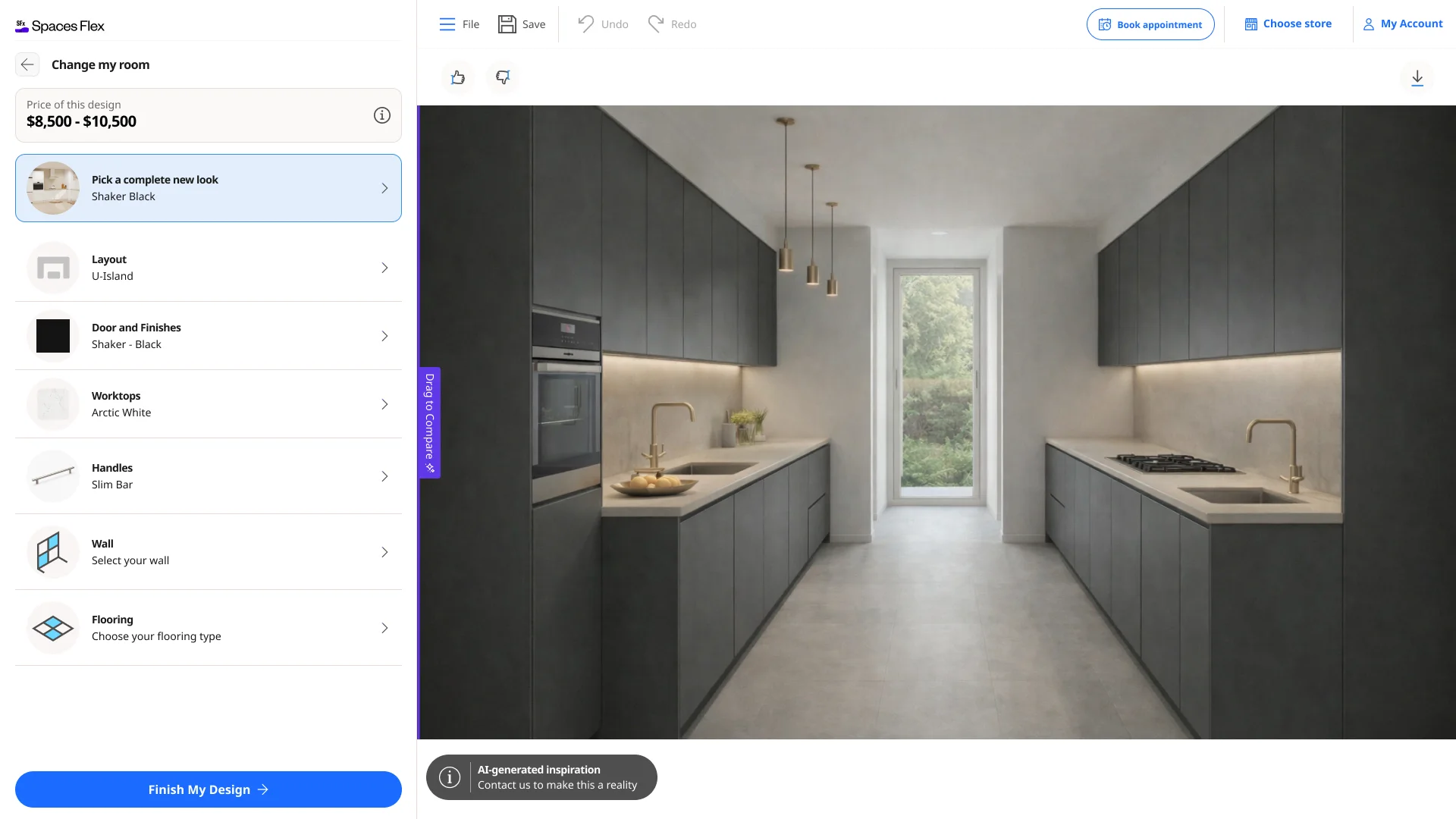
Build the bridge in-product, not a link away
The design journey ends with intent. The question was how to carry that intent to a physical showroom without dropping the person out of the experience they just invested in.
Options weighed
- A contact form: captures a lead, but ignores where the person is and which showroom actually serves them.
- A link to an external map: familiar, but it dumps the user out of the product and loses the design context.
- An in-product store selector: find, compare and choose a real showroom — then book — without leaving the design.
Decision
A **store selector built into the configurator** — it inherits the design context, finds showrooms near the person, and lets them compare and **book a consultation in place**. The design and the destination stay connected all the way to the appointment.
Trade-off — Owning a real location-and-hours experience (and all its edge cases) instead of outsourcing it, in exchange for a conversion step that actually converts — and a cleaner lead for the partner.
The flow, end to end
- 01
Find stores near you
Use current location, or type a ZIP or city with typeahead — the list reorders by distance within a radius you control.
- 02
Filter by what matters
Narrow by Open Now, Design Consultation, Kitchen showroom or Installation, so only relevant showrooms show.
- 03
Compare at a glance
Each store shows distance, live opening status, the services it offers, and the next available consultation slot.
- 04
Check the details
Expand any store for full weekly hours, a phone number and directions — everything needed to decide.
- 05
Choose & book
Select a store, save it to the design, and book a consultation — the design now has a real place to land.
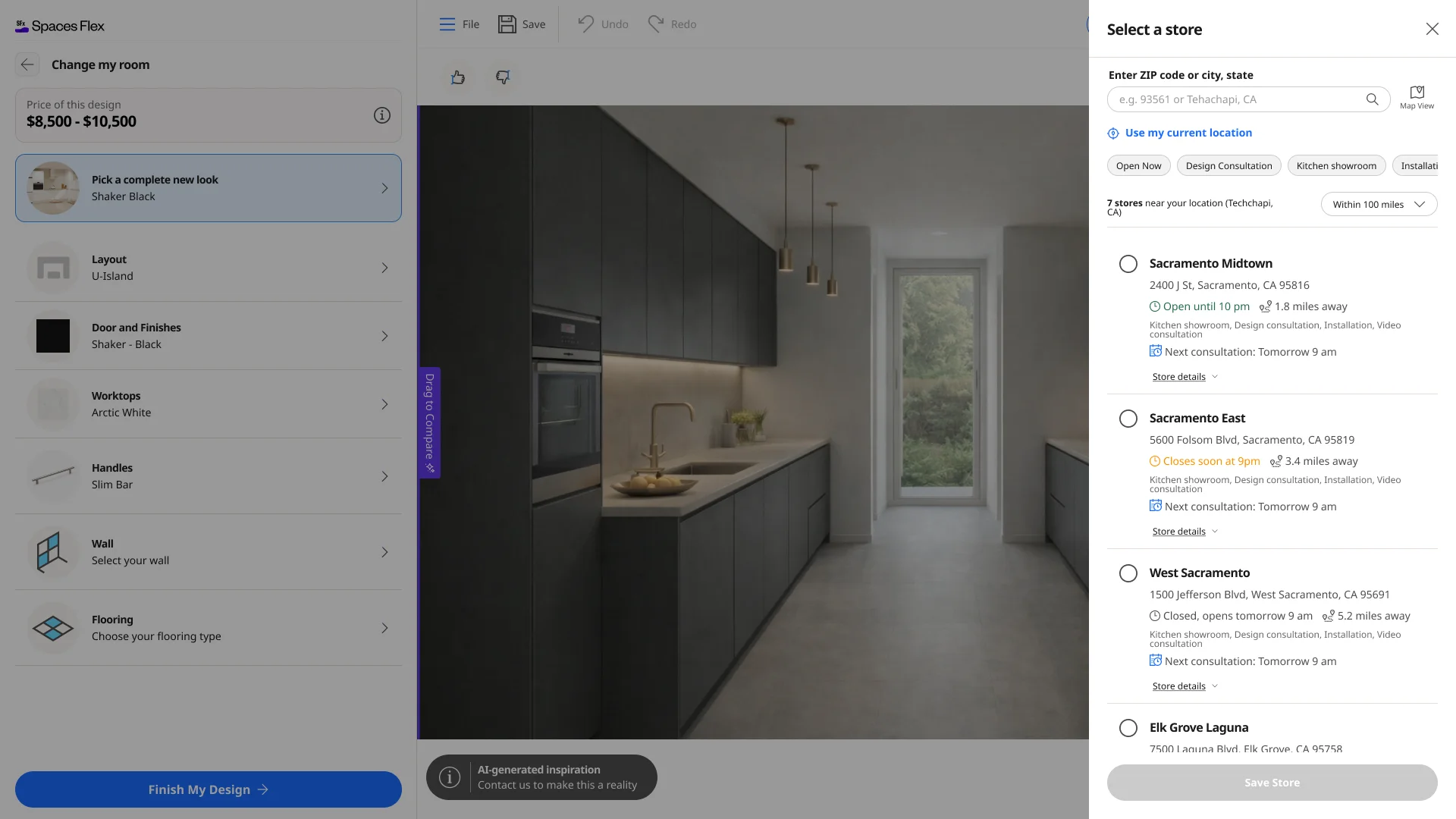
Find a store your way
Design for when location fails
A store locator lives or dies on location, and location is the least reliable thing in the browser. People deny the prompt, block it entirely, sit behind a VPN, or land somewhere with no stores. A tool that only works with perfect GPS would fail most of the time.
Options weighed
- Require precise location: cleanest list, but it breaks the moment someone says no.
- Only ZIP search: always works, but adds friction for the majority who'd happily share location.
- A graceful ladder: precise when granted, approximate by IP when not, ZIP/city search always, and a clear path back when blocked.
Decision
Every location state is a designed state. A clear **permission moment**, an **approximate (IP-based) fallback** so the list is never empty, **ZIP and city search** always available, a **recoverable blocked state** with plain steps to re-enable, loading **skeletons**, and an honest **no-results** message. The feature keeps working no matter what the browser does.
Trade-off — Designing and building a dozen location states instead of one happy path — the work that makes the difference between a locator that demos well and one that actually works for everyone.
Every location state, handled
A panel on desktop, a sheet in your hand
On desktop the selector slides in as a right-side panel, so the design stays visible beside it. On mobile it becomes a full-screen sheet with the same capabilities — search, filters, live status, details and booking — reshaped for one thumb.
Same system, same data, same states — fit to each screen rather than squeezed into one.
The mobile experience
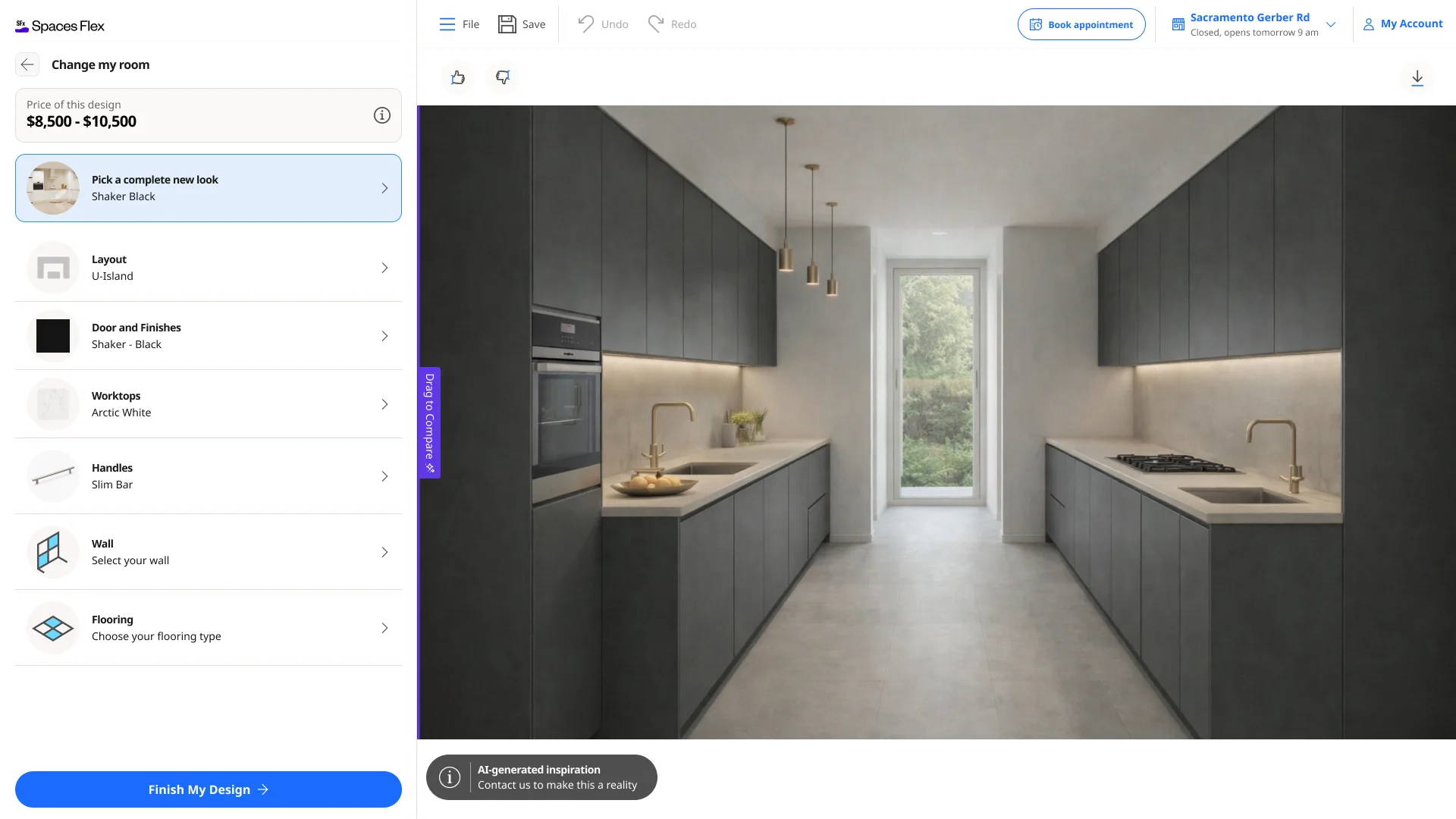
Every desktop screen
The full desktop store selector — entry, nearby results, store details, search and filters, every location state, and the chosen store. Click any one to enlarge, and scroll across.
Every mobile screen
The complete mobile sheet in realistic phone mockups — entry, browsing, permission, live results, selection and full store details.
In closing
What changed
- A store locator built into Leap / AI Showroom that turns an AI-generated design into a booked, in-showroom consultation.
- A complete location experience: precise permission, approximate IP fallback, ZIP/city search with typeahead, radius and service filters.
- Decision-ready store cards — distance, live opening status, services and the next consultation slot — with expandable hours, phone and directions.
- Every edge case designed: permission prompt, blocked-location recovery, loading skeletons and an honest no-results state — on desktop and mobile.
What's still open
- Map View and richer partner data expand as more showrooms come online.
- Measured outcomes (location-grant rate, store selection, booked consultations) belong to product analytics as it scales.
What I learned
The most valuable screen in an AI product can be the least glamorous one: the hand-off to the real world. Making that bridge trustworthy meant obsessing over location — every permission, fallback and failure — so the person always lands on a real store they can actually visit. The lesson: design the last mile as carefully as the first, because that's where intent becomes revenue.
AI Auto Design